


Personal Banking Services for Everyday Financial Needs


Personal Banking Solutions
BankUnited delivers personalized financial solutions that combine flexibility, accessibility, and expert support. From everyday banking to long-term savings strategies, our offerings are built to grow with you. Discover how our personal banking services can help you manage, save, and plan with confidence.
Your Banking Essentials
Checking Accounts That Keep You Moving
Our checking accounts are designed to simplify your financial routine while offering valuable features that go beyond the basics. Whether you prefer a straightforward account or one with added rewards, you'll find options that support your goals. Enjoy
convenient access through online banking and our mobile banking app, along with tools that help you stay on top of your spending. With reliable service and flexible features, managing your money becomes second nature
Compare Checking Accounts


Reach More With Savings
High-Yield Savings for Long-Term Growth
Make your money work smarter with savings options that reward you for building your balance. We offer high-yield savings account choices designed to help you grow your funds over time while maintaining access when you need it. Whether you're saving for
short-term goals or building a financial cushion, our accounts provide both security and growth potential. It's a simple way to take your savings further.
Compare Savings Accounts
Savings With Staying Power
Certificates of Deposit and Money Market Accounts
Plan for the future with secure savings solutions like CDs and money market accounts. These accounts offer predictable growth and are ideal for long-term financial planning.
- Competitive interest rates
- Flexible term options
- Reliable long-term growth

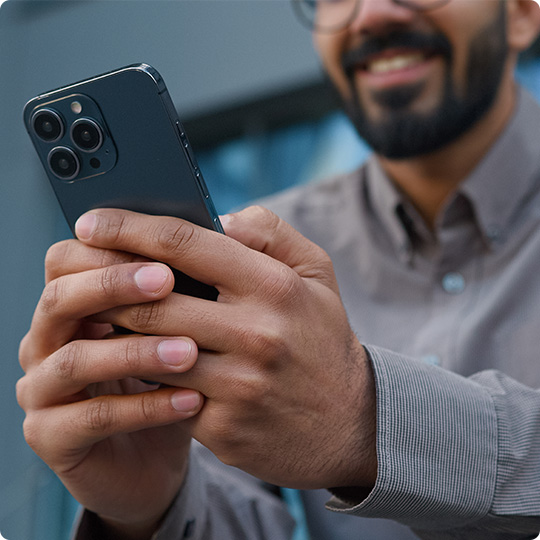
Banking Built For Convenience
Digital Banking Tools
Take control of your finances wherever you are with our digital tools. From opening an online bank account to managing transactions, everything is designed for ease and security.
- 24/7 account access
- Zelle®
- Secure online banking platform
- Easy bill pay options
Benefits of Checking Accounts
Our checking accounts are built to simplify daily banking while offering flexibility and convenience. Enjoy features that make managing your finances easier at every step.

Send money with Zelle®

Online Bill Pay

Mobile Check Deposit

FDIC Insured
Personal Banking Account Options


Personal Banking Expertise That Works for You
We believe personal banking should feel personal. That’s why we focus on building relationships, understanding your goals, and delivering solutions that fit your life. Our experienced team is here to provide guidance, answer questions, and help you navigate everything from everyday banking to long-term planning.

Local Decision Making

Relationship Approach

Dedicated Team
Personal Banking FAQs
Find answers to common questions about personal banking services, accounts, and lending options at BankUnited.
Our customer support team and local branch representatives are available to assist you with any questions or banking needs.
We use advanced security measures, including encryption, fraud monitoring, alerts, and multi-factor authentication to help keep your accounts safe.
With mobile deposit, you can quickly and securely deposit checks using your smartphone through our mobile banking app.
Yes, you can access your funds through a network of ATMs, including the AllPoint network of ATMs. Some accounts may offer fee reimbursements for out-of-network ATM usage.
Minimum balance requirements vary by account type. We offer options to suit different financial needs and preferences.
Yes, our digital banking platform allows you to check balances, transfer funds, pay bills, deposit checks, and manage your accounts securely from your computer or mobile device.
You can open an account online or at a local BankUnited branch. Typically, you’ll need a valid government-issued ID, Social Security number, and basic personal information.
We offer a variety of personal checking, savings, and money market accounts designed to fit your everyday banking needs and long-term financial goals.
We're Here to Help You
Have a question about our products or services? We’ve got multiple ways you can get in touch with a Client Care Center representative.


Featured Insights
Get insights on starting and managing cash flow, protecting your assets, stories from real clients, and much more.
What To Do If Your Account Is Hacked
Nov 12, 2025, 13:31 PM
Title :
What To Do If Your Account Is Hacked
Bank united author :
eFraud Prevention
Featured :
No
Display order :
1
Learn how to recover your account if it has been hacked and steps you can take to avoid future hacks.
Signs that someone hacked your account
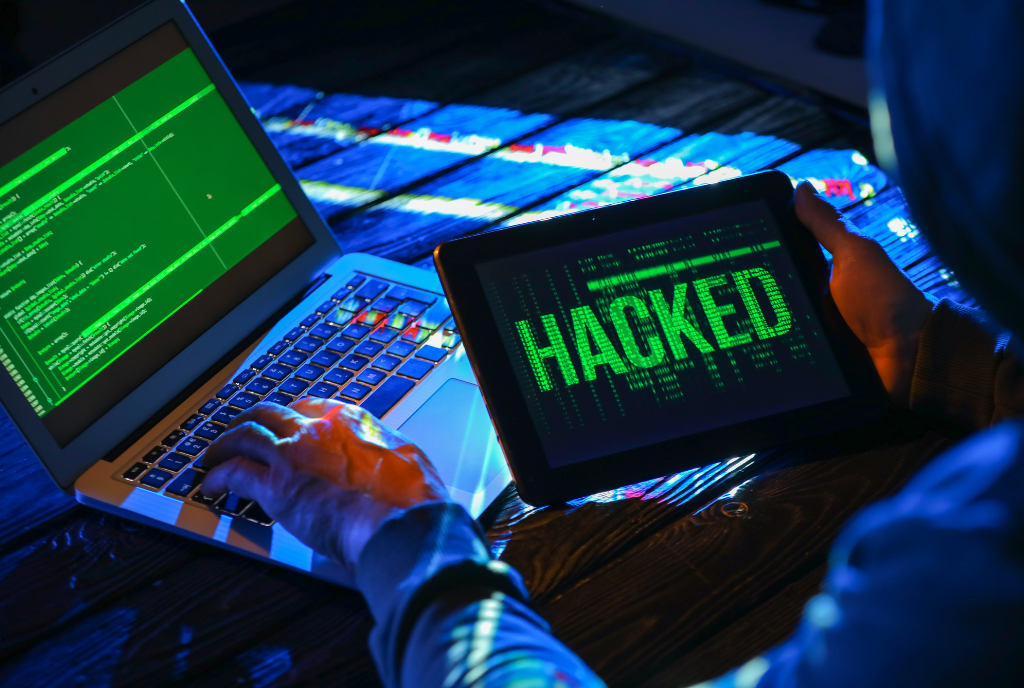
Hackers try to take over your accounts. Some might want to steal your personal information — like your usernames and passwords, bank account numbers, or Social Security number — to commit identity theft. Others might want to spread malware or scam others. So, what types of things might tip you off that someone hacked your account and changed your password?
- You can’t log in to your account.
- You get a notification about a change to your username or password— but you didn’t make that change.
- You get a notification that someone logged into your account from a device you don’t recognize or a location you’re not at.
- Your friends or family report getting emails or messages you didn’t send, sometimes with random links or fake pleas for help or money.
What to do first
- Log in to that account and change your password. If possible, also change your username. If you use the same password anywhere else, change that, too.
- Is it a financial site, or is your credit card number stored? Check your account for any charges that you don’t recognize.
- View and verify account activity. First, go through your account activity to confirm any changes or fraudulent charges. Keep in mind that some legitimate transactions may seem fraudulent if the company does business under a different name.
- Update your system and delete any malware. The first thing you should do if your account gets hacked is to run an end-to-end antivirus scan. This means skipping the "quick scan" setting in favor of a deep scan to identify and eliminate not only all forms of malware (including Trojans and spyware to keyloggers that could be tracking your keystrokes even after the hack has been identified) and potentially unwanted applications. It's important to make sure you're clean before you change any of your other sensitive information to avoid restarting the cycle. Also, set your security software, internet browser, and operating system to update automatically. Click here for a list of free online security scanning software.
- Review Social Media Accounts. Look for changes in your social networking sites, and look for changes to the account since you last logged in. Check your social media accounts for messages the hacker posted or sent from your account, or for new friends you don’t recognize. Look at your personal details, review any third-party apps connected to your account, and check your security questions and answers and your backup email addresses and/or phone numbers. If you think your hacker had a chance to scan your security questions and backup accounts, try to change these on the compromised account and on any other account that relies on the same information. This will prevent the bad actor from using your personal details to breach other accounts in the future.
- Check your email settings to see if there are rules set up to forward emails. Delete any rules you didn’t set up, so your messages aren’t forwarded to someone else’s address.
- Check your sent folder for emails the hacker sent from your account. Look in your deleted folder for emails the hacker may have read then deleted.
How to get back into your hacked account
First, make sure your computer security software is up to date, then run a scan. If the scan identifies suspicious software, delete it, and restart your computer. Then, follow the provider’s account recovery instructions.
- Once you’ve locked down your other accounts, it’s time to start trying to recover the ones you may have lost control of. Many commonly used services offer a suite of tools to help you verify your identity and regain access to your accounts, but some make it easier than others. If you can’t log in, contact the company. Ask them how you can recover or shut down the account.
Here’s how recovery works on some of the services you might be using
- Google: Visit the company’s Account recovery site.
- Apple: If someone has taken control of your Apple ID, start by visiting iforgot.apple.com. From there, Apple will ask you to verify your phone number and then sends notifications to your other Apple devices to help you reset your password — but only after you’ve confirmed your identity by punching in your Mac’s password, or your iPad’s or iPhone’s passcode.
- Amazon: To start, Amazon will attempt to confirm your identity by sending a verification code to your phone. If that isn’t an option — say, if someone else has control of your phone number - your best bet is to call Amazon customer service. As part of the process, you may be asked to upload a scan of your driver’s license, state ID card or a voter registration card to verify your identity.
- Microsoft: Visit the company’s Help Center.
- Facebook: Visit the company's Help Center.
- LinkedIn: Visit the company's Help Center.
- Instagram: Visit the company's Help Center.
- Twitter: Visit the company's Help Center.
- Yahoo: Visit the company's Help Center.
What to do after you take back control of your hacked account
- Sign out of all devices. That way anyone who’s logged in to your account on another device will get kicked out.
- Turn on two-factor authentication (2FA), also known as two-step verification, if it’s available on your accounts. With 2FA, you’ll have to enter your password and something else to log in. That could be a PIN or a one-time verification code you get by text or email or from an authenticator app.
- Check your account recovery information. Make sure the recovery email addresses and phone numbers listed are ones you entered and have access to.
- Contact Other Online Services. It's critical to change your passwords with other payment-based accounts such as Hulu, Netflix, LinkedIn, Credit Card Companies, etc. Make sure you use different passwords for every online account.
- Change Your PINs & Passwords. Once your computer is free of malware, it's time to change your password. If you've lost access to your account, you may need to contact the company directly, prove who you are, and ask for a password reset. Choose a new password that is very different from your old one and make sure it doesn't contain strings of repeated characters or numbers. Your password should be unique for each account, complex (i.e., a mix of letters, numbers, and special characters) and at least 15 characters long. Learn more about passwords here.
- Notify People You Know. Tell your friends, family, and anyone else on your email contact list that they might have gotten a malicious link. During the period when attackers had control of your account, they could have sent dozens or even hundreds of fraudulent emails to everyone you know, in turn giving them access to a new set of victims.
- Change Your Security Questions. While your password was the most likely attack route, it's also possible that hackers broke into your account after answering your security questions. Many users choose the same answer to common security questions.
- Report the Hack. If you haven't already, contact your financial institution, email provider, or other company and report the hack. This is important even if your hacked account didn't cause you to lose access since it helps providers track scam-based behavior. If possible, freeze your bank account online, on the app, or by speaking with customer service. In addition, your account provider may be able to offer details about the origin or nature of the attack.
- Contact Credit Agencies. Contact the three credit reporting agencies TransUnion, Experian, and Equifax to monitor your accounts in the months after you've been hacked. Click here to contact credit report agencies.
- Consider Your ID Protection Options. If you've been hacked, another idea worth considering is an ID protection service. These services typically offer real-time email and online retail account monitoring, in addition to credit score reporting, and personal assistance in the event of identity theft. Your financial institution will offer this program for a small monthly fee.
- Review All Email Accounts. If the breach affected a service that includes email, such as your Google account, check the email account for sent messages or for new filters. For example, clever hackers can set up filters that forward all incoming mail to an address you don't recognize. Delete such filters to prevent people from worming their way back into your account in the future. This is particularly important because you can reset many other accounts' passwords, and receive notifications about suspicious activity, over email. You don't want an eavesdropper to nab those recovery messages. Also, check that your email signature and "away" message don’t contain unfamiliar links or forwards.
- Create a New Email Account. Sometimes it's not worth picking up where you left off. If this isn't the first time hacked email has been a problem, or if your provider doesn't seem to be taking steps to mitigate the amount of spam you receive, it may be time for a switch. Look for a service that offers default encryption of your emails and solid customer service in the event of an issue.
topic :
- Fraud Prevention
media :
- Article
- Certain devices are eligible for enrollment in Face ID® or fingerprint sign-in. If eligible, you will have the option to enroll by following the prompts within the mobile banking app. If you store multiple fingerprints on your device including those of additional persons, those persons will also be able to access your mobile banking app via fingerprint, when fingerprint sign-in is enabled. Data connection required. Wireless carrier fees may apply.
- Apple, the Apple logo, iPhone, iPad, and Apple Watch are trademarks of Apple Inc., registered in the U.S. and other countries. App Store is a service mark of Apple Inc. Google Pay and Android is a trademark of Google Inc. Samsung is a registered trademark of Samsung Electronics Co., Ltd.
- There is no charge from BankUnited, but message and data rates may apply. Delivery of alerts may be delayed for various reasons, including service outages affecting your phone, wireless or internet provider; technology failures; and system capacity limitations.
- Mobile Check Deposit is subject to deposit limits. Deposit limits may change at any time. Other restrictions apply. See Digital Banking Terms & Conditions for limitations, terms, conditions and details. Message and data rates may apply.
- Any time you review your balance, keep in mind it may not reflect all transactions including recent debit card transactions or checks you have written.