Administration & Settings Enhancements
User Maintenance
BankUnited TreasurySuite streamlines the new user setup process by eliminating the need for an enablement date.
As part of the streamlined onboarding process in BankUnited TreasurySuite, administrators can now easily assign a temporary password for new users.
BankUnited TreasurySuite allows for auto-apply entitlements to any future established accounts.
For additional information/support please review our: BankUnited TreasurySuite User Admin Quick Reference Guide
Preferences
When an account nickname is modified in BankUnited TreasurySuite, the updated name is displayed for all users.
Contact Center
BankUnited TreasurySuite allows users to store payee information in a Beneficiary Address Book, referred to as The Contact Center for one off payment, so users can reuse payee details without needing to create a template.
File Import
BankUnited TreasurySuite file mapping configuration is customizable to user files allowing for more file types.
BankUnited TreasurySuite provides a “Test Mode” for file imports, allowing users to validate file data before processing, which helps prevent errors during import.
Alert Center
BankUnited TreasurySuite offers flexible alert notifications, enabling users to notify individuals or recipient groups by email, SMS message, or both.
As part of the enhanced experience, existing alerts were not migrated, giving you the chance to rebuild and optimize your notifications. We encourage you to reestablish your alerts during the preview period, with priority on Positive Pay alerts to ensure continuous account security.
For additional information/support please review our: Alerts Quick Reference Guide
Audit Information
BankUnited TreasurySuite offers tailored audit search capability in its responsive design saving time in researching/auditing.
To locate a specific user’s audit activity, you must manually type the user’s id into the user search field (there is no drill‑down option).
For additional information/support please review our: BankUnited TreasurySuite User Admin Quick Reference Guide
Notifications & User Profile Enhancements
Notifications
The BankUnited Notification Menu enables users to manage workflow items and address tasks that need attention. Clicking “View” takes users directly to the relevant section for fast navigation.
d298d826-3166-48e7-b4dd-881ea40cb7c7.png?sfvrsn=3a012807_1)
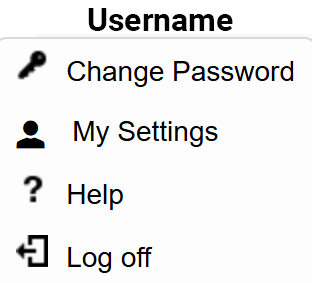
User Profile